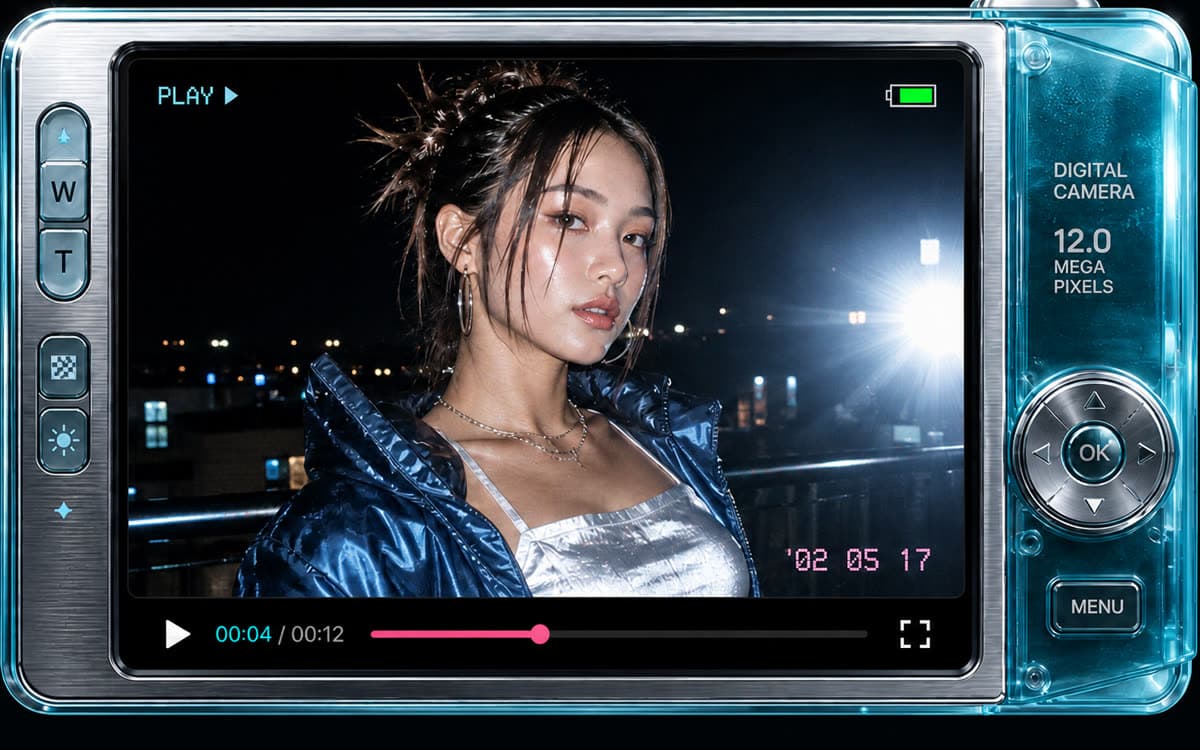
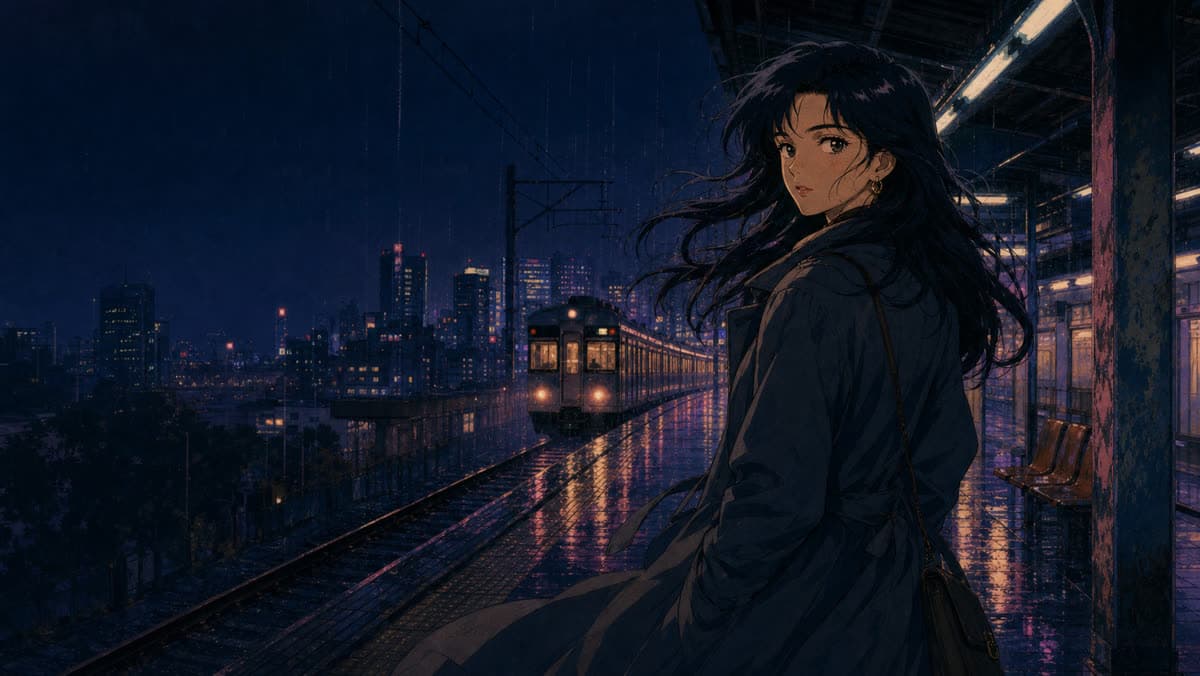
AI video and image creation workspace

Create AI videos and images in one workspace

Choose a model, describe your idea, and turn text or reference images into production-ready visuals.

Flexible Inputs
Easy to Use
AI-Powered
201 Credits

Sign in to view available credits and plans

START WITH A POINT OF VIEW

Pick a visual world before you press generate.

Use a ready-made art direction to give your next video a stronger mood from the first frame.

Explore all Vibes
See It in Action

Explore visual directionsfor your next generation

Use these visual references to think through motion, framing, product scenes, and cinematic atmosphere.

Product motion

Make product shots feel alive

Turn a single product image into polished motion with controlled light, reflections, and camera movement.

A premium pair of headphones rotates slowly in a minimal studio, with soft reflections and a cinematic product-lighting setup.

Seedance 2.0

Character scene

Give characters a natural rhythm

Create expressive scenes that hold attention through subtle movement and clear storytelling.

Two pets have a warm, playful conversation in a sunlit room. Natural gestures, subtle camera movement, and expressive reactions.

Seedance 2.0

Cinematic motion

Build cinematic movement from a frame

Guide atmosphere, pace, and camera direction without rebuilding the original scene.

A woman rides a horse through an open landscape at golden hour. The camera tracks beside her with wind moving through the scene.

Seedance 2.0

Ready to create your own masterpiece?

Everything You NeedPowerful features to create amazing videos

Discover the tools and features that make video creation easy and fun

Popular

Text to Video

Transform your text prompts into stunning videos using advanced AI models

Image to Video

Animate your images and bring them to life with AI video generation

Reference Generation

Use images or videos you own or are authorized to use to guide motion, framing, and style. This feature may not be used for face swaps, deepfakes, or identity manipulation.

Clear Workflow

Generation time varies by selected model, settings, and queue conditions.

Privacy-Aware Processing

We process inputs and generated videos only as needed to provide the service, as described in our Privacy Policy.

Real-time Updates

Track your video generation progress in real-time

Simple Process

How It WorksCreate your video in 4 simple steps

Follow a clear workflow from input to generated result.

01

Describe Your Video

Enter a detailed text prompt describing the video you want to create

02

Upload Reference

Optionally add a reference image to guide the AI (optional)

03

AI Generates

Our AI processes your request and creates a unique video

04

Download & Share

Get your HD video and share it anywhere you want

FROM IDEA TO CAMPAIGN ASSET

AI video generation for work that has to ship

Choose a model by input type, output format, and creative goal—then turn product images, written concepts, and references into usable short-form video.

Turn product photos into video ads

Animate a clean product image into a reveal, detail shot, or vertical storefront creative without organizing a full shoot.

Create from an image

Test more social video concepts

Turn hooks and scene directions into short clips for TikTok, Reels, Shorts, and paid creative testing.

Create from text

Match each shot to the right model

Compare duration, resolution, aspect ratio, audio support, and example prompts before spending credits.

Compare AI video models

Pricing

Simple, transparent pricing

Basic Plan

$9.90
/month
Credits: 280
For testing ideas and occasional projects
  • 280 credits per month

  • Up to 6 Veo 3.1 Fast videos (8s, 720p)

  • Up to 93 GPT Image 2 images (1K)

  • Image generation and reference-image editing

  • Access to all available video and image models

  • Pay monthly, cancel anytime

Pro Plan

Popular
$29.90
/month
Credits: 960
For weekly content production and iteration
  • 960 credits per month

  • Up to 21 Veo 3.1 Fast videos (8s, 720p)

  • Up to 320 GPT Image 2 images (1K)

  • Image generation and reference-image editing

  • 3.4× more credits than Basic

  • Access to all available video and image models

Video estimates use Veo 3.1 Fast at 8 seconds and 720p (44 credits per video). Maximum image estimates use GPT Image 2 at 1K with text-only generation (3 credits per image). Actual output varies by model, quality, references, and generation settings.

Ready when your idea is

Move from idea to videowith AIVideoFly

Start with the model and input type that fit your shot.

  • View available credits after sign-in
  • No credit card required
  • Cancel anytime
  • Email support when you need help

Frequently Asked Questions

Key details about AIVideoFly, credits, models, and support

Still have questions? Contact us atsupport@aivideofly.com

AI Video Generator Workspace | AIVideoFly